Your WooCommerce email inbox for ecommerce support
MailBuddy brings your ecommerce email inbox into WordPress admin, where your WooCommerce orders live. Connect an existing IMAP and SMTP mailbox, reply to customers, and review order-match suggestions before adding context to private order notes.
An ecommerce email inbox where your store team works
Use your own mailbox while keeping support conversations alongside your WooCommerce workflow. MailBuddy is not an email hosting service.
Manage email across multiple WooCommerce stores
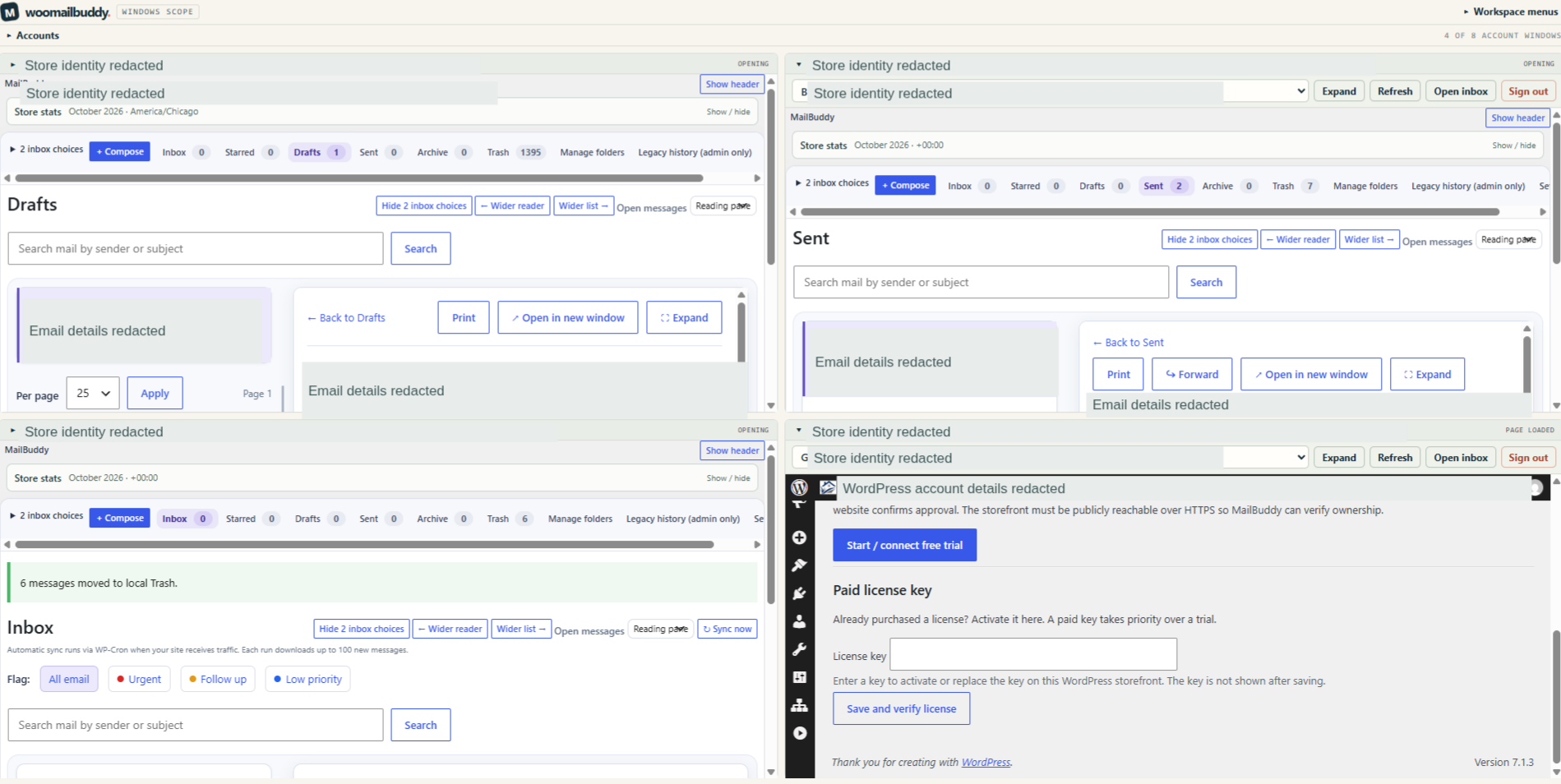
WooMailBuddy Windows Scope adds Multiple Ecommerce Operations (MEO): switch among eight authorized account windows, tile them on screen or expand a reading pane while keeping each store account and its email inbox permissions separate. Each pane can show monthly order status counts, paid-order values by currency and new registered customer accounts with existing WooCommerce reporting permission. Collapsible controls and inbox choices remember your layout. WordPress subfolder detection saves a verified installation address separately per connection and retains valid store sessions. Removing a connection clears its local session and learned folder; re-adding it starts fresh.
Learn about ecommerce customer email
Explore the WooCommerce email inbox, read ecommerce email inbox guides or contact MailBuddy.
Manage Email for Multiple WooCommerce Stores on Windows
WooCommerce Emails Not Sending? Why an SMTP Test Can Pass
WooCommerce Shared Inbox vs Helpdesk: How to Choose
See Windows Scope in actual screenshots
Explore the multi-store workspace, monthly store stats and email controls.